

Socotra Public Skills Example
Claude Cowork Example
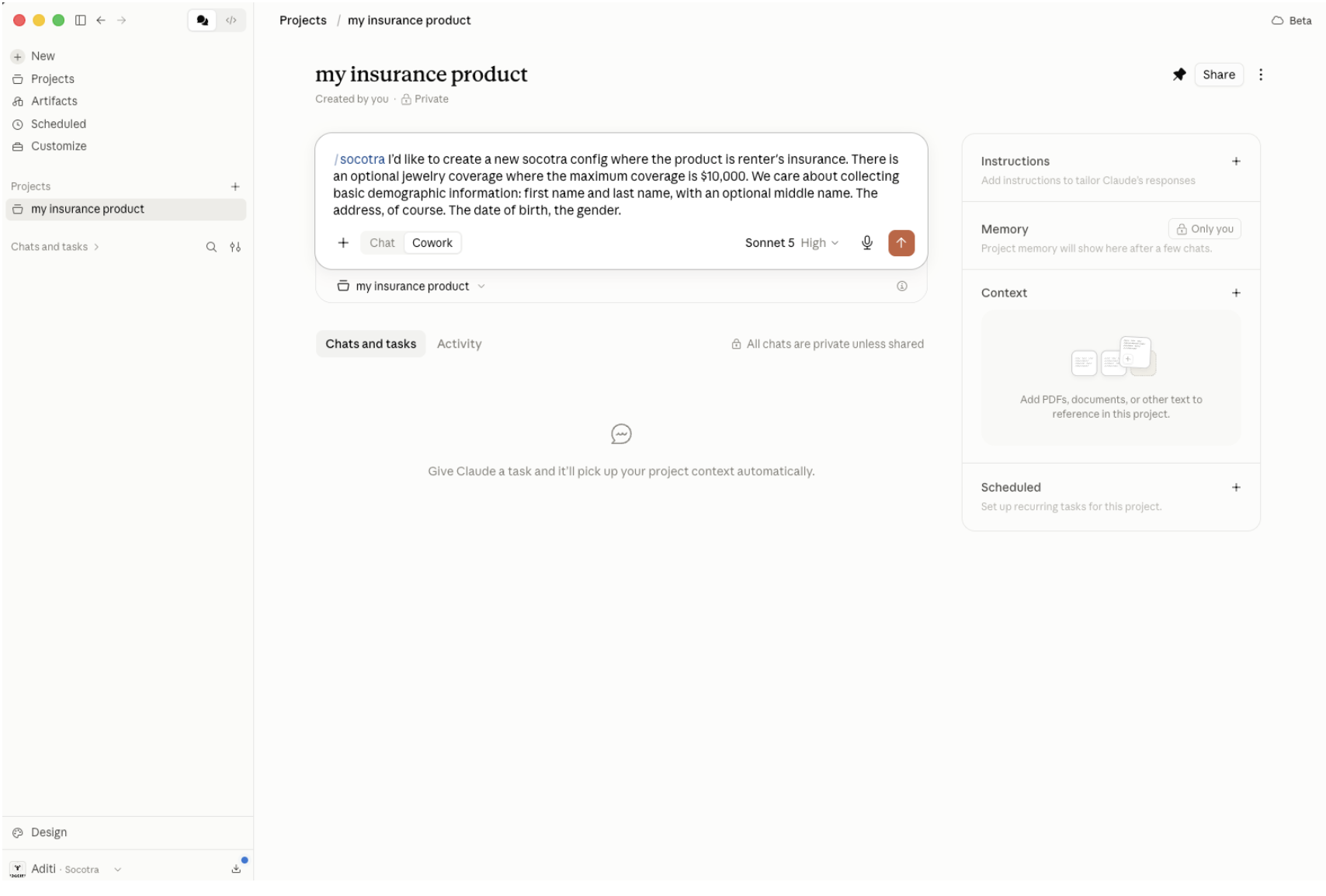
Build a product using the following example prompt:
"Create a new Socotra configuration with a renters insurance product. Include an optional jewelry coverage with a maximum coverage of $10,000. We want to collect the following demographic information: First name, last name, optional middle name, address, date of birth, and gender."
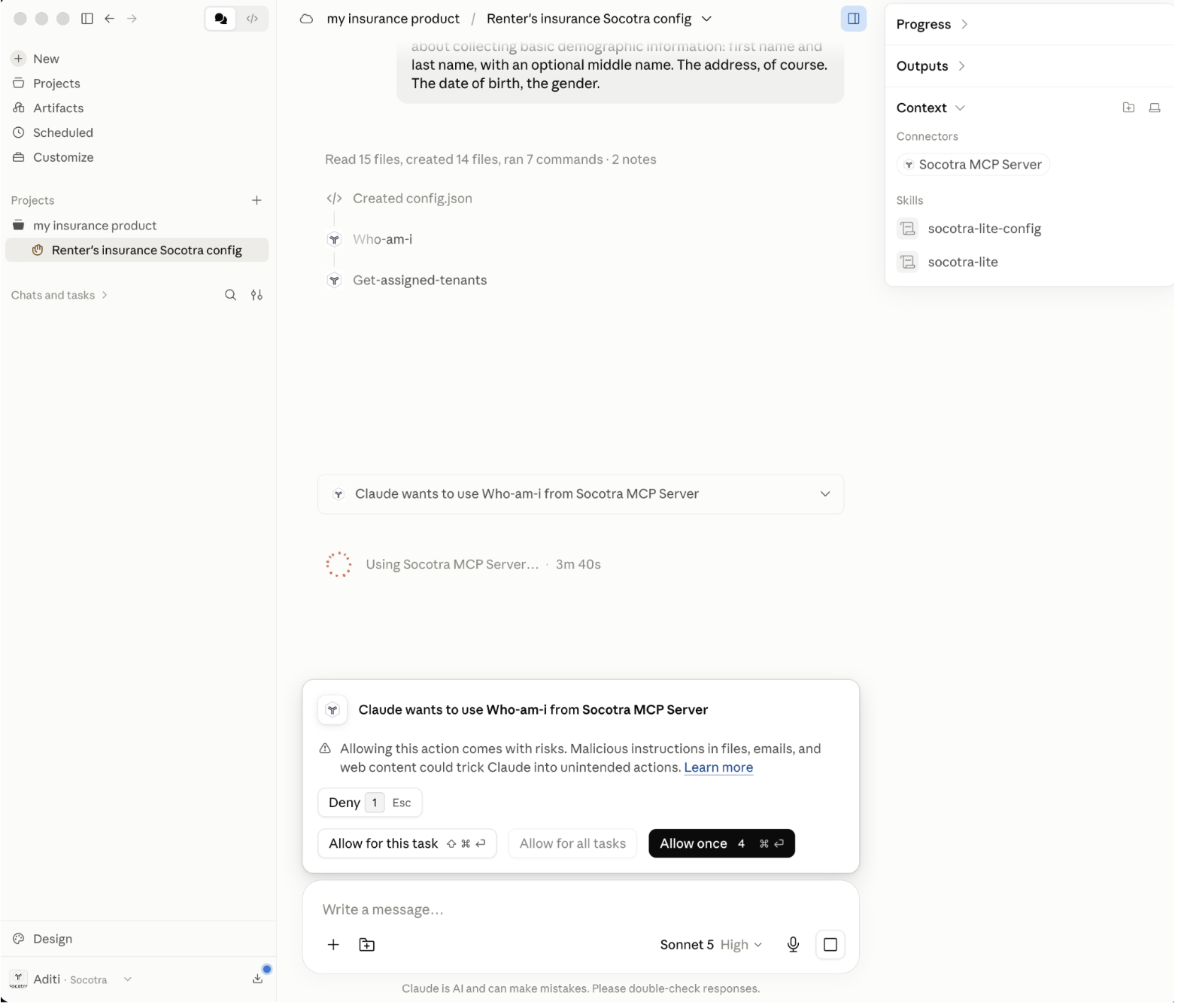
Public skills use Socotra MCP server tools such as Who Am I and Create Deployment Token to deploy to your tenant. Make sure you haven't reached your PAT (Personal Access Token) limit, or tenant validation and deployment will fail.
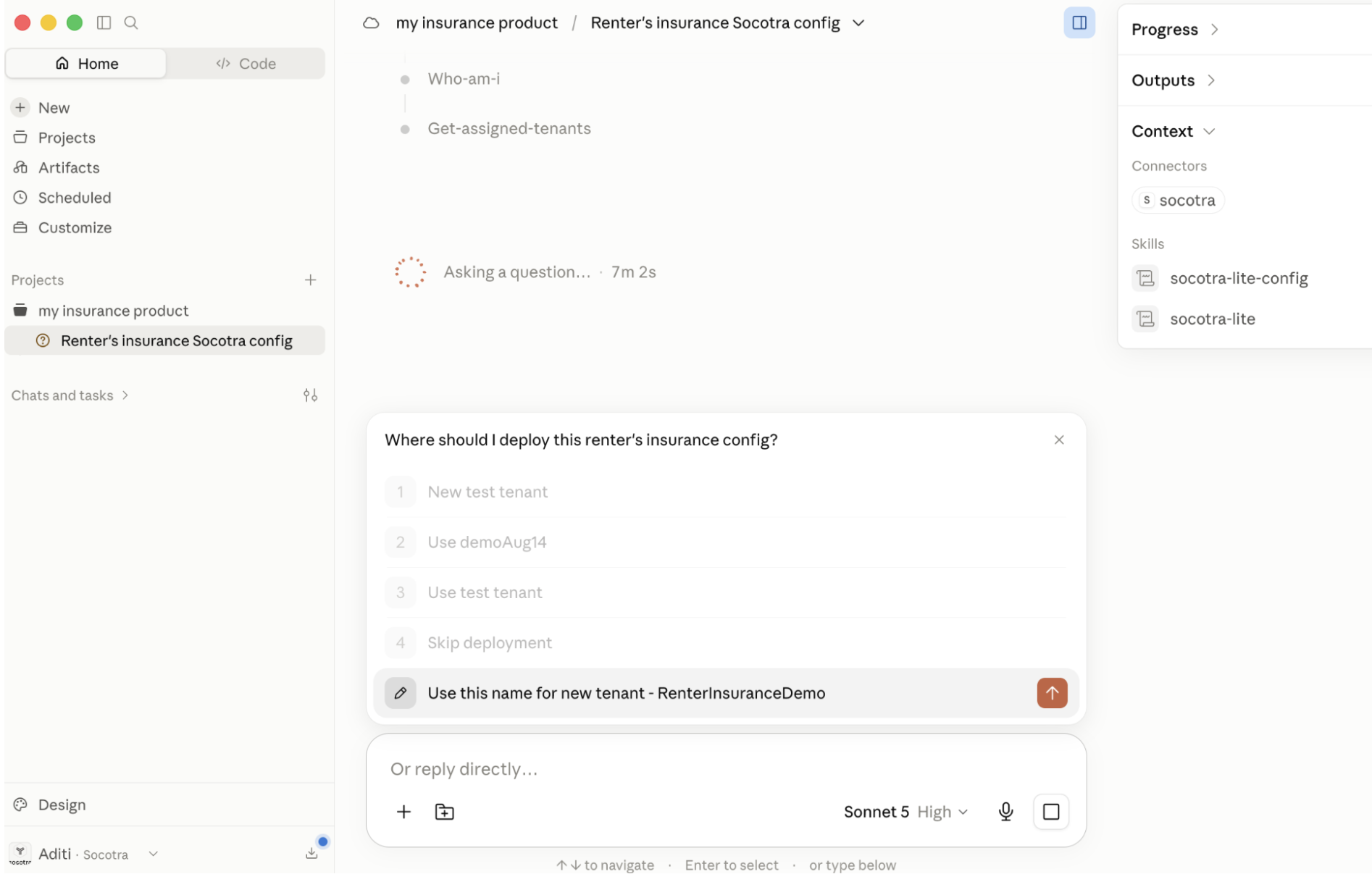
You can choose to deploy to an existing tenant or a new tenant.
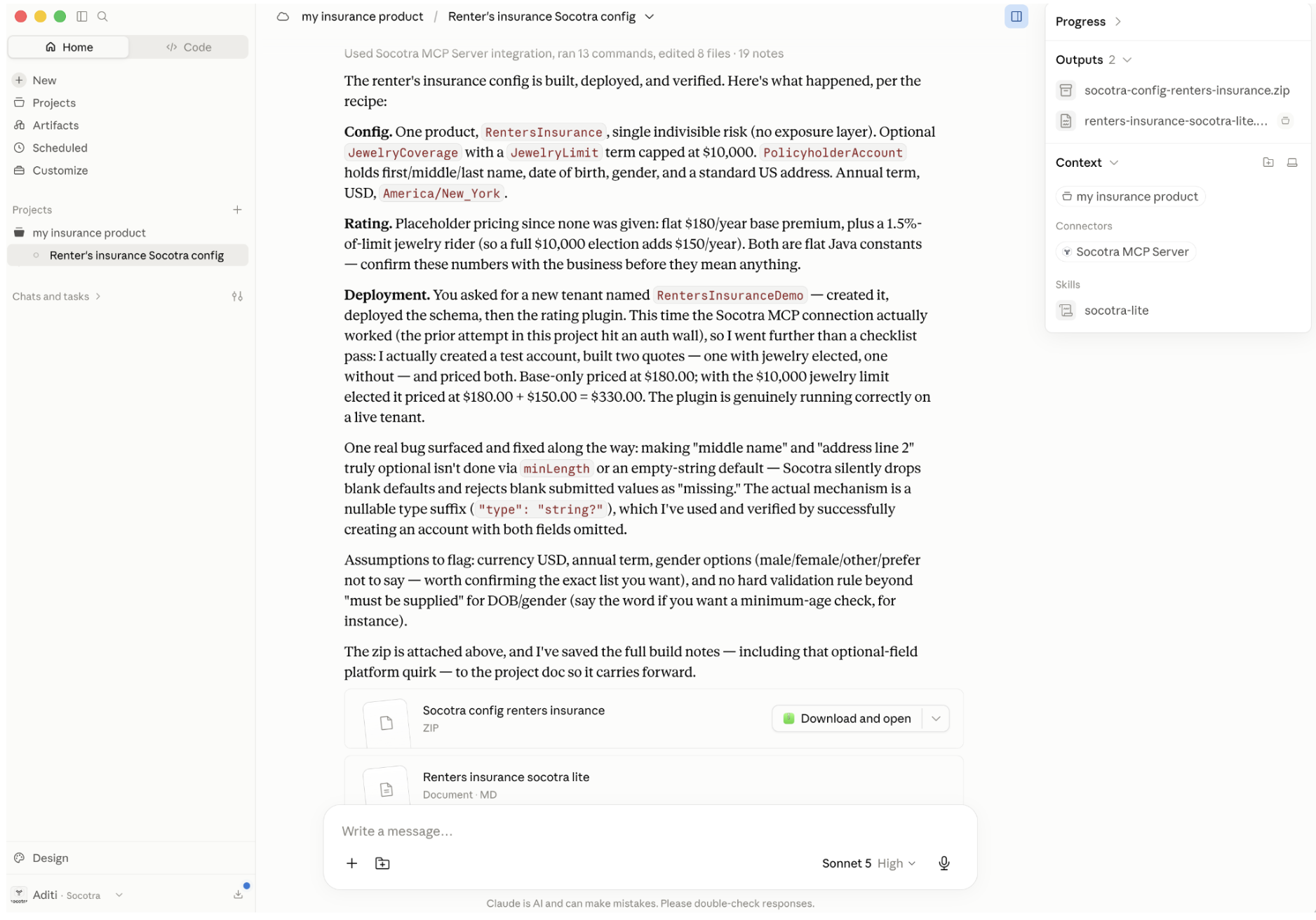
Your configuration can be found in the Outputs folder, along with a summary file describing the output and any open questions that need to be addressed.
Optionally, you can navigate to the Operations Workbench to create quotes and issue policies.